
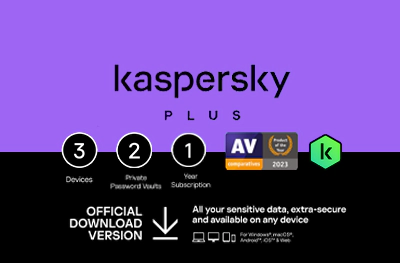
Kaspersky Plus Subscription KSA Store 1 Year 3 Devices
15.120 OMR
Need cover for more than one machine? Kaspersky Plus for the KSA store runs one year across 3 devices. The activation code arrives by email and stays in your account under My codes.
Out of stock
Description
How many screens in your home actually go online every day? If the honest answer is more than one, this listing fits: a Kaspersky Plus subscription from the KSA store, valid one year across 3 devices, from a company whose business is protection against viruses, malware and online threats.
What one year across three devices really buys
The licence spreads over three machines you nominate, all inside the same term. That shape suits a small household, or one person moving between a work laptop, a home computer and a third device, rather than a single-device user who would be paying for slots left empty. The tier here is Plus, as the title says, and the contents of each Kaspersky tier are compared on the provider’s own plan pages.
How to activate
- Sign in to your My Kaspersky account, or create one, then add the devices you plan to cover.
- Install the Kaspersky application on each of them.
- Open the licence section and enter the activation code from your order.
- Confirm that the subscription now lists the term and the number of devices.
Before you order
The title names the KSA store, so pick the edition that matches the store you use to avoid a rejected code. Kaspersky’s end-user licence agreement covers how the subscription is used. Codes are delivered ready to enter, and orders are normally final, with the exceptions set out in the store’s refund policy. Kaspersky publishes the exact screens for each of its applications, so check its own activation guide if your version looks different.
Once a code has been revealed an order is normally final. The exceptions are set out in the refund policy, for example an invalid code or a product that does not match your order. Refund policy
Frequently asked questions
Can I move a licence slot to a replacement laptop?
Licence transfers are handled inside the Kaspersky console under the terms of their licence agreement.
Is this the same as the UAE store listing?
They share the tier, term and device count, but each is issued for the store named in its title.
Does the code need to be typed without spaces?
Yes, enter it exactly as received in the activation field of the console.
Related products
-
In stock · Instant delivery
-
In stock · Instant delivery